Odysee Learning Management System - Admin Panel
"This application is an administrative panel designed to manage the Odysee Learning Management System. In this panel, administrators can oversee all master data such as curriculum, schools, teachers. Additionally, administrators have the ability to assign teachers to specific grades within the system."
Project Showcase
Visual Gallery
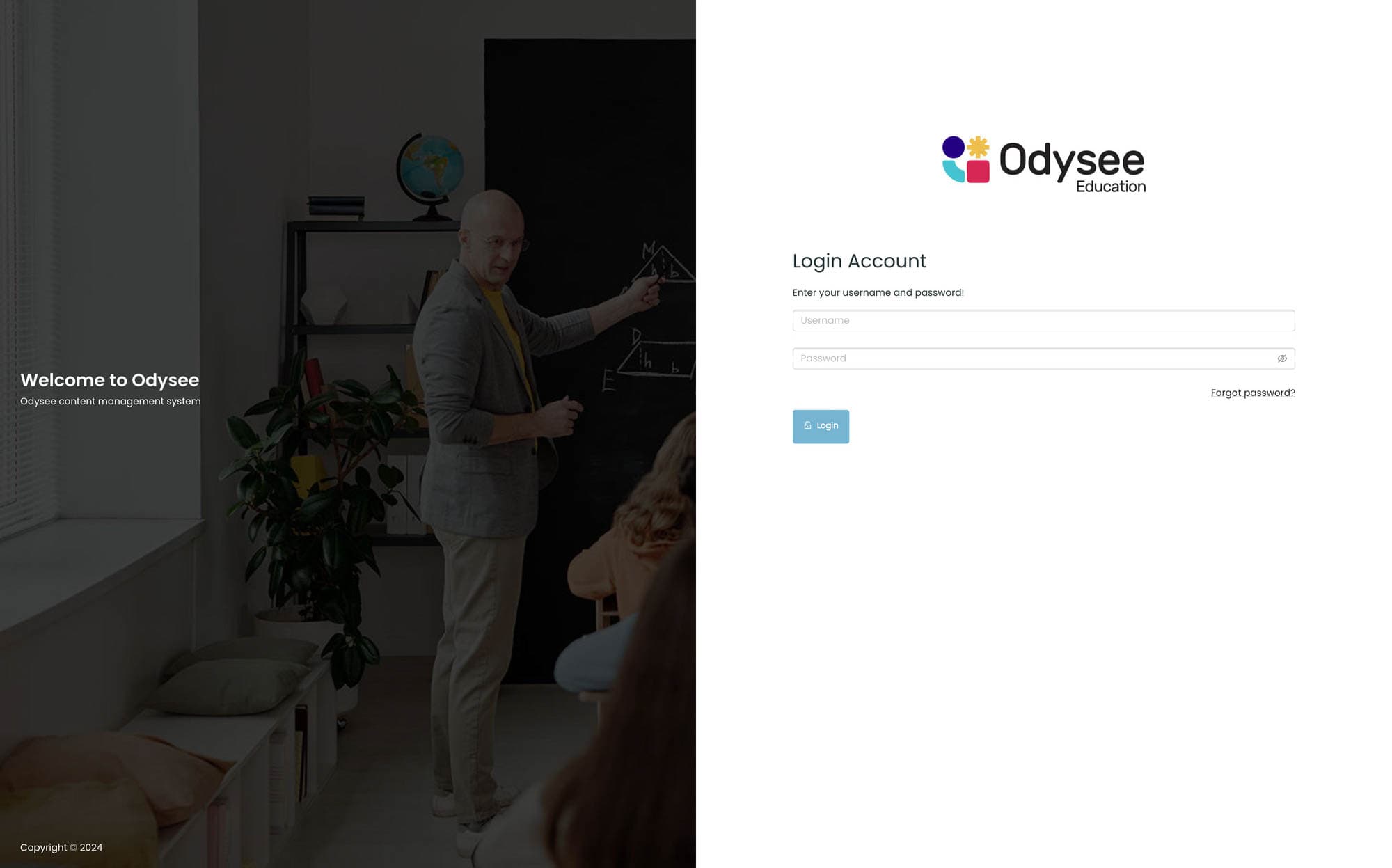
Login Page for Odysee LMS System
The login page provides access to the Odysee Learning Management System, allowing users to securely log in and access the system.
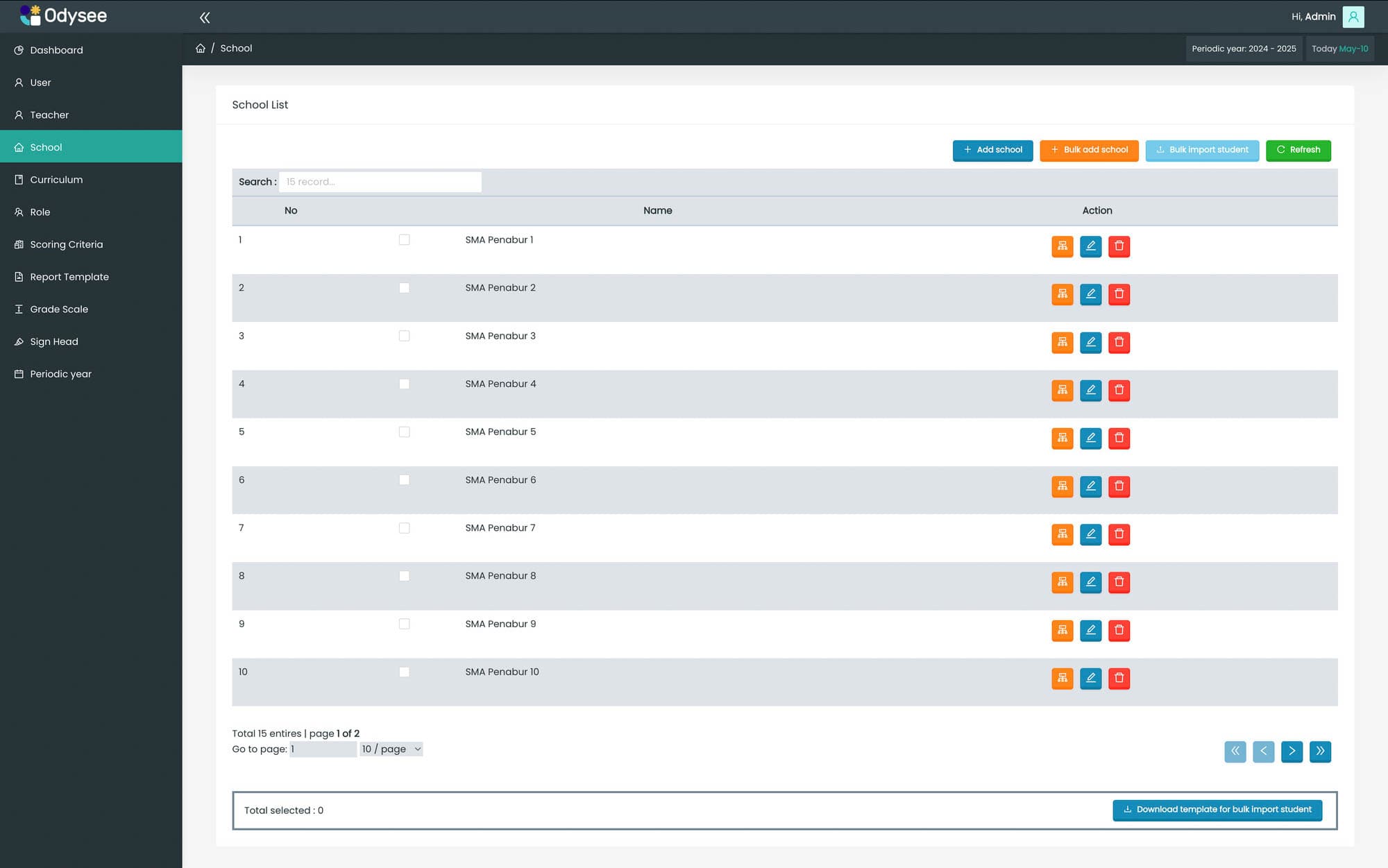
School List Page for Odysee LMS System
The School List Page displays a comprehensive list of schools within the Odysee Learning Management System, providing administrators with an overview of all registered schools.
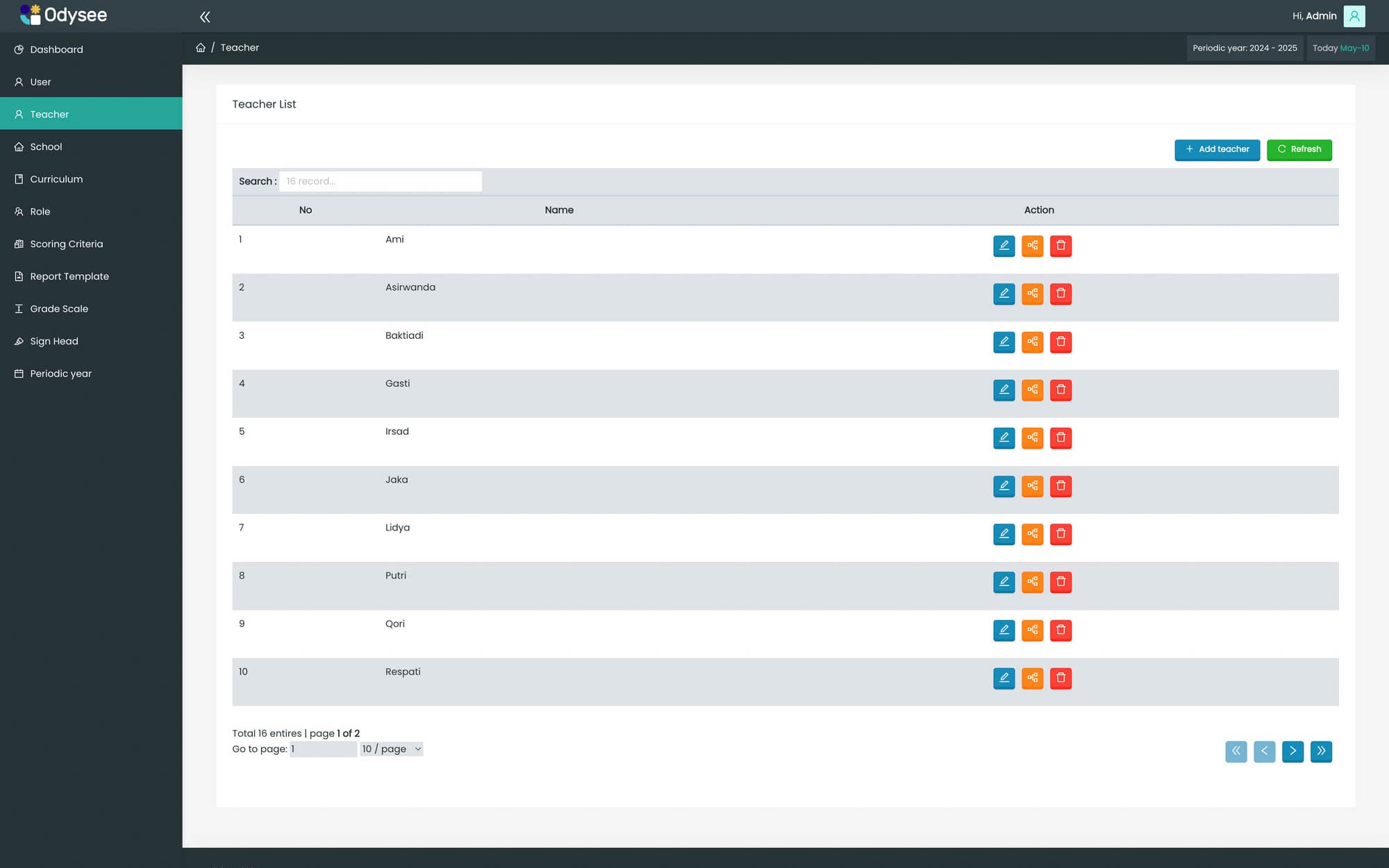
Teacher List Page for Odysee LMS System
The Teacher List Page presents a detailed list of teachers associated with the Odysee Learning Management System, enabling administrators to manage teacher profiles effectively.
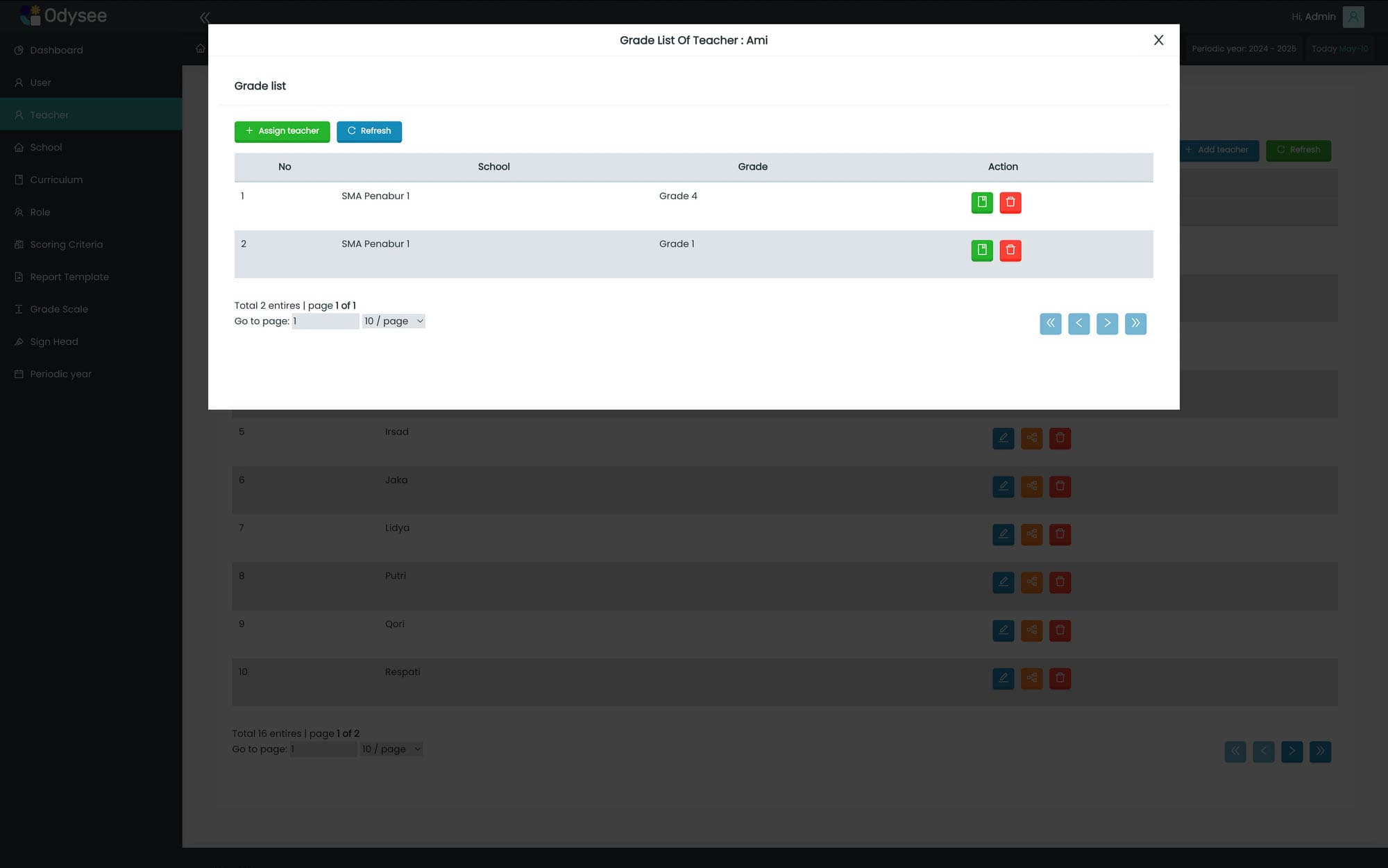
Teacher Grade List for Odysee LMS System
The Teacher Grade List showcases the grades assigned to each teacher within the Odysee Learning Management System, providing insights into teacher allocations.
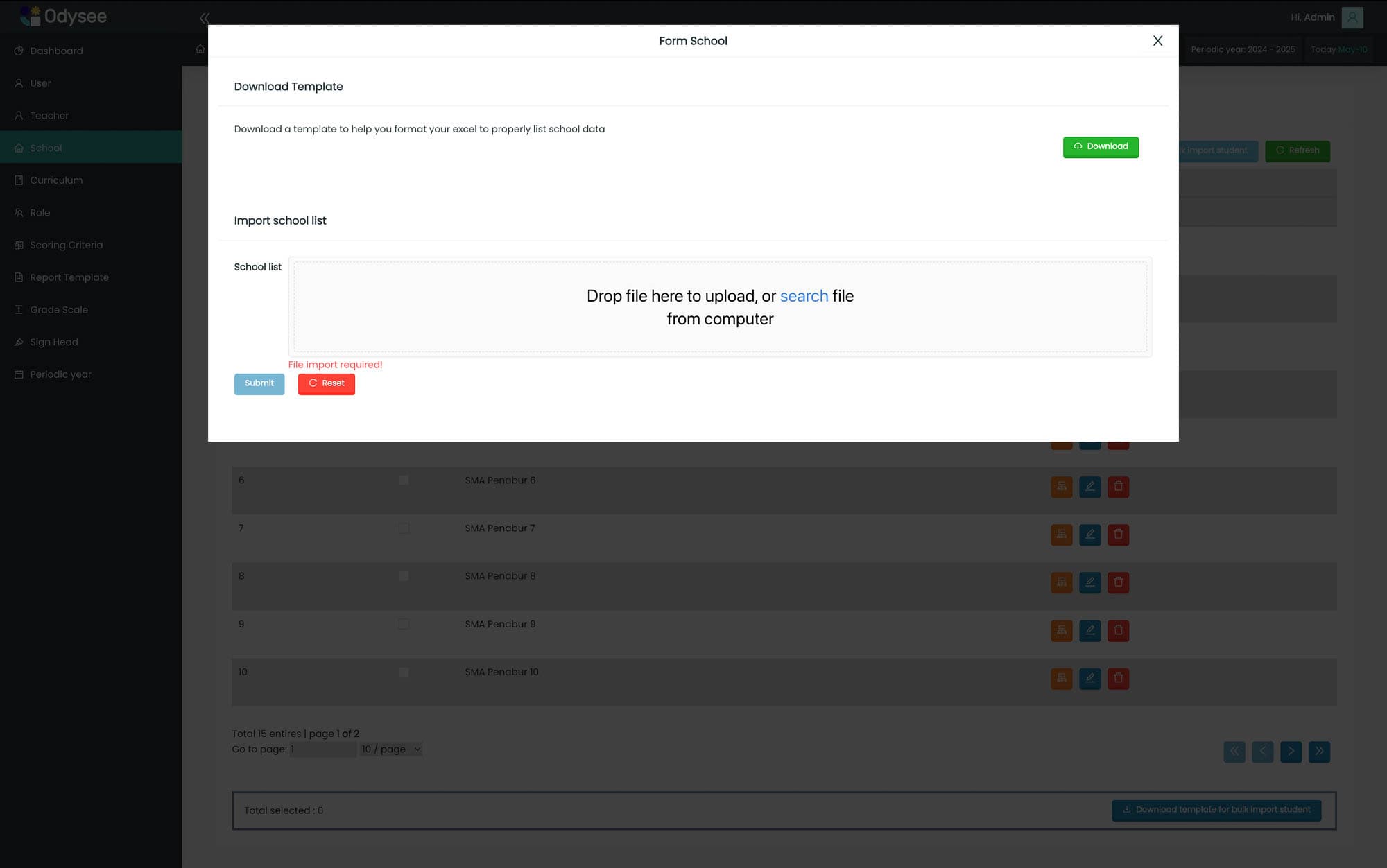
Add School Page for Odysee LMS System
The Add School Page allows administrators to add new schools to the system using an Excel format, streamlining the process of managing school data efficiently.
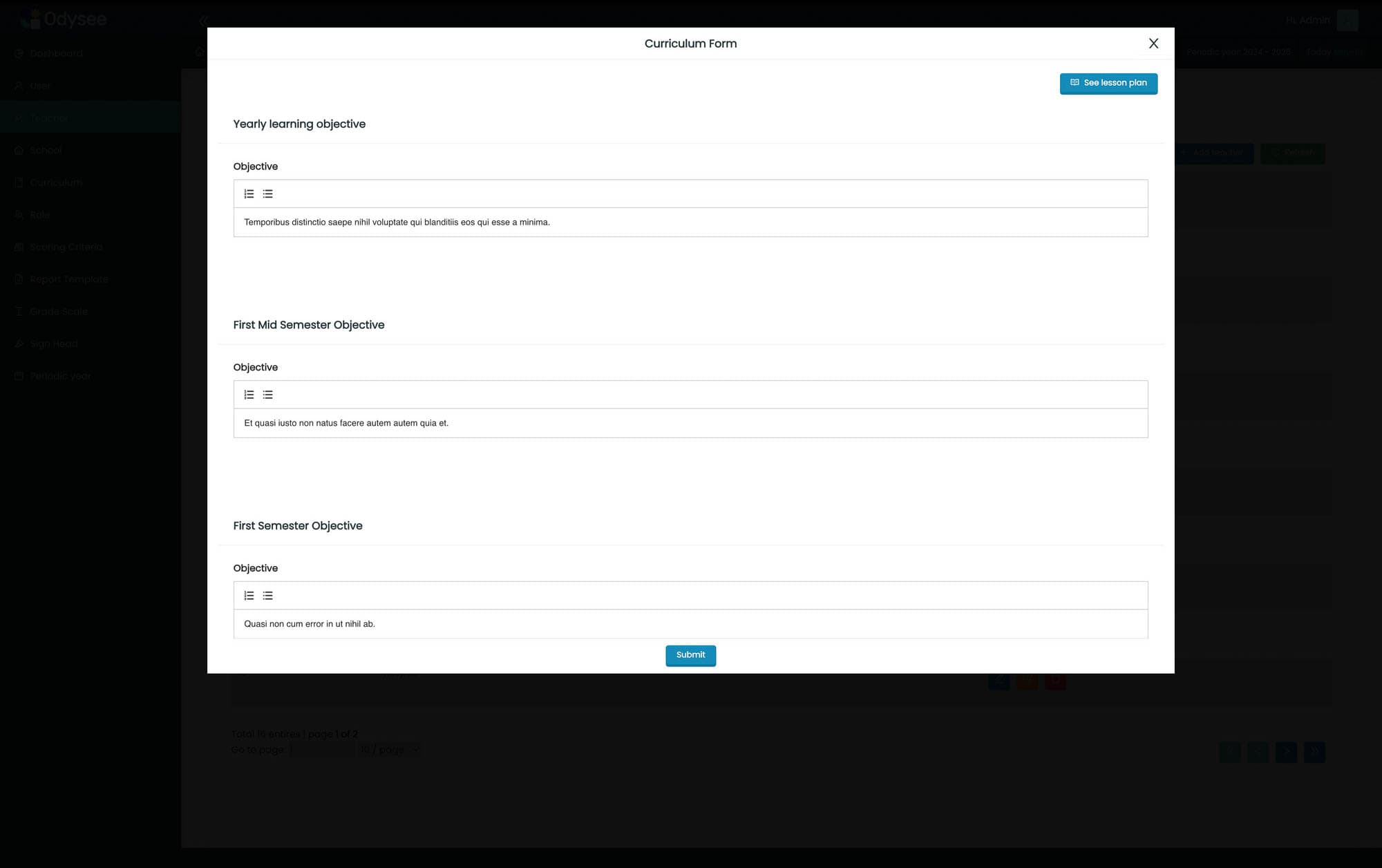
Curriculum Form for Odysee LMS System
The Curriculum Form enables administrators to set up and customize the curriculum used within the Odysee Learning Management System, ensuring alignment with educational goals.
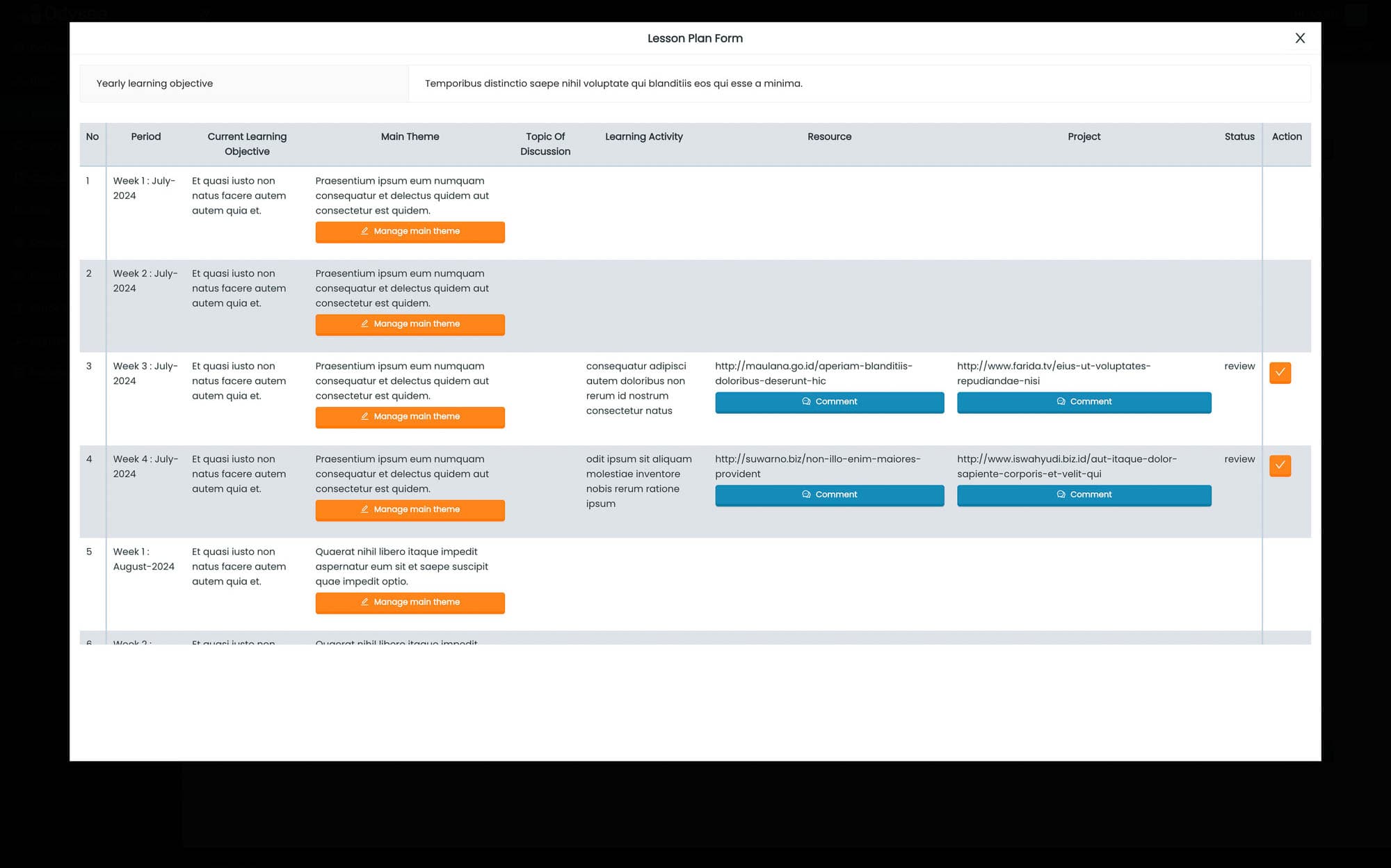
Lesson Plan List for Odysee LMS System
The Lesson Plan List displays the lesson plans configured by teachers based on the curriculum within the Odysee Learning Management System, facilitating effective lesson planning and delivery.
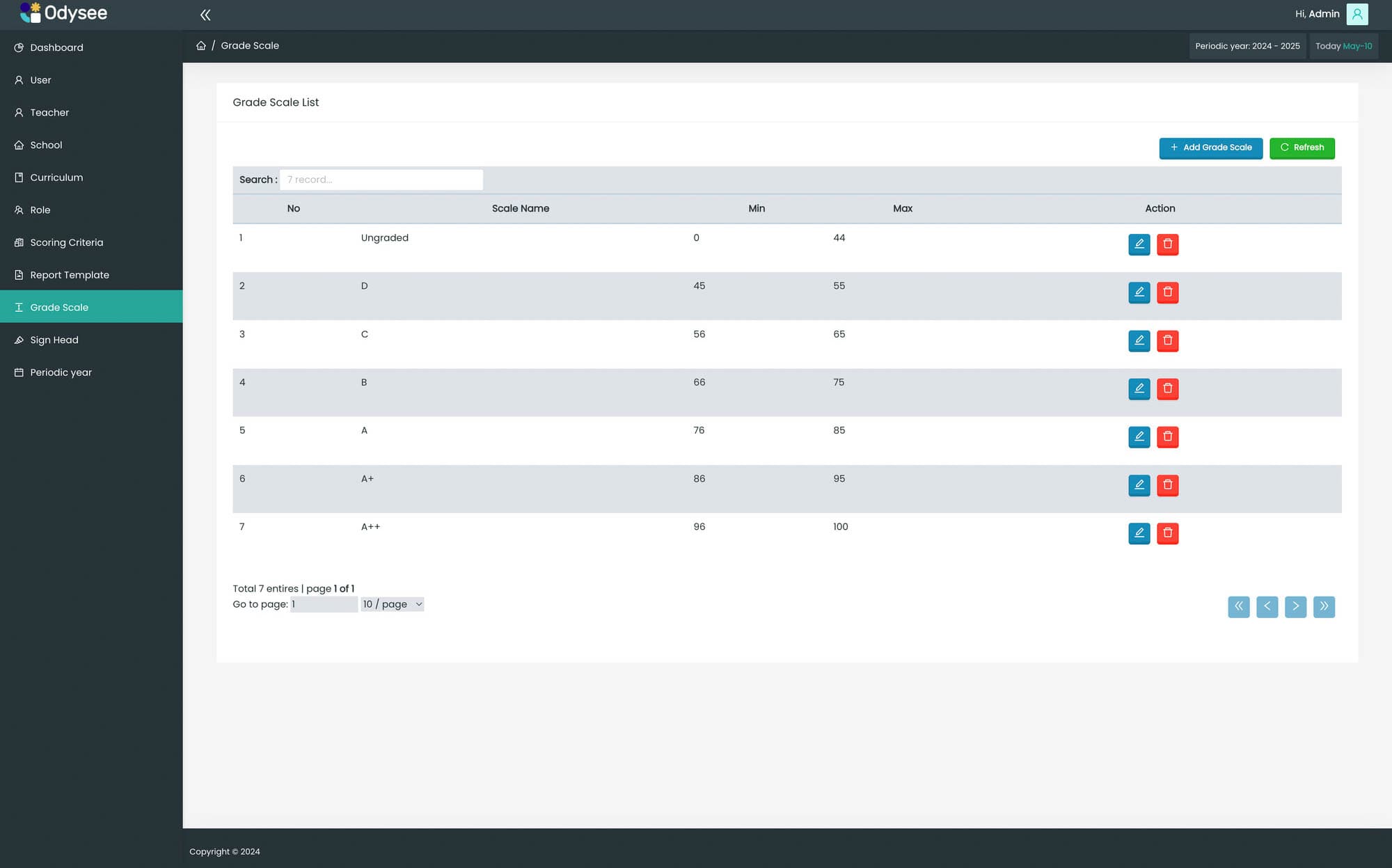
Grade Scale List for Odysee LMS System
The Grade Scale List provides a platform for administrators to establish grade scales for reporting student results within the Odysee Learning Management System, enhancing the accuracy of academic assessments.
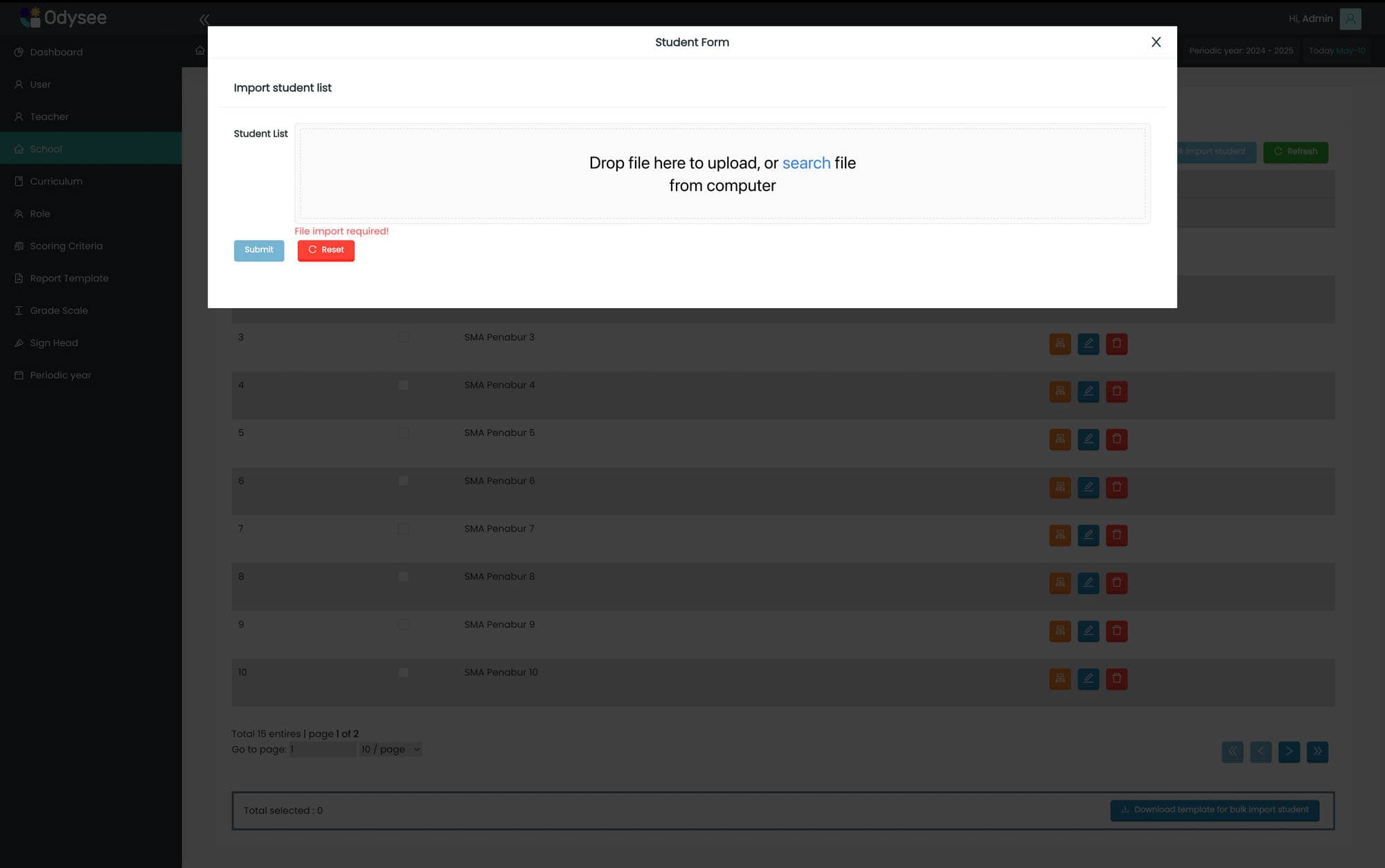
Import Student Form for Odysee LMS System
The Import Student Form allows administrators to upload student lists to the Odysee Learning Management System in an Excel format, simplifying the management of student data across classes and schools.
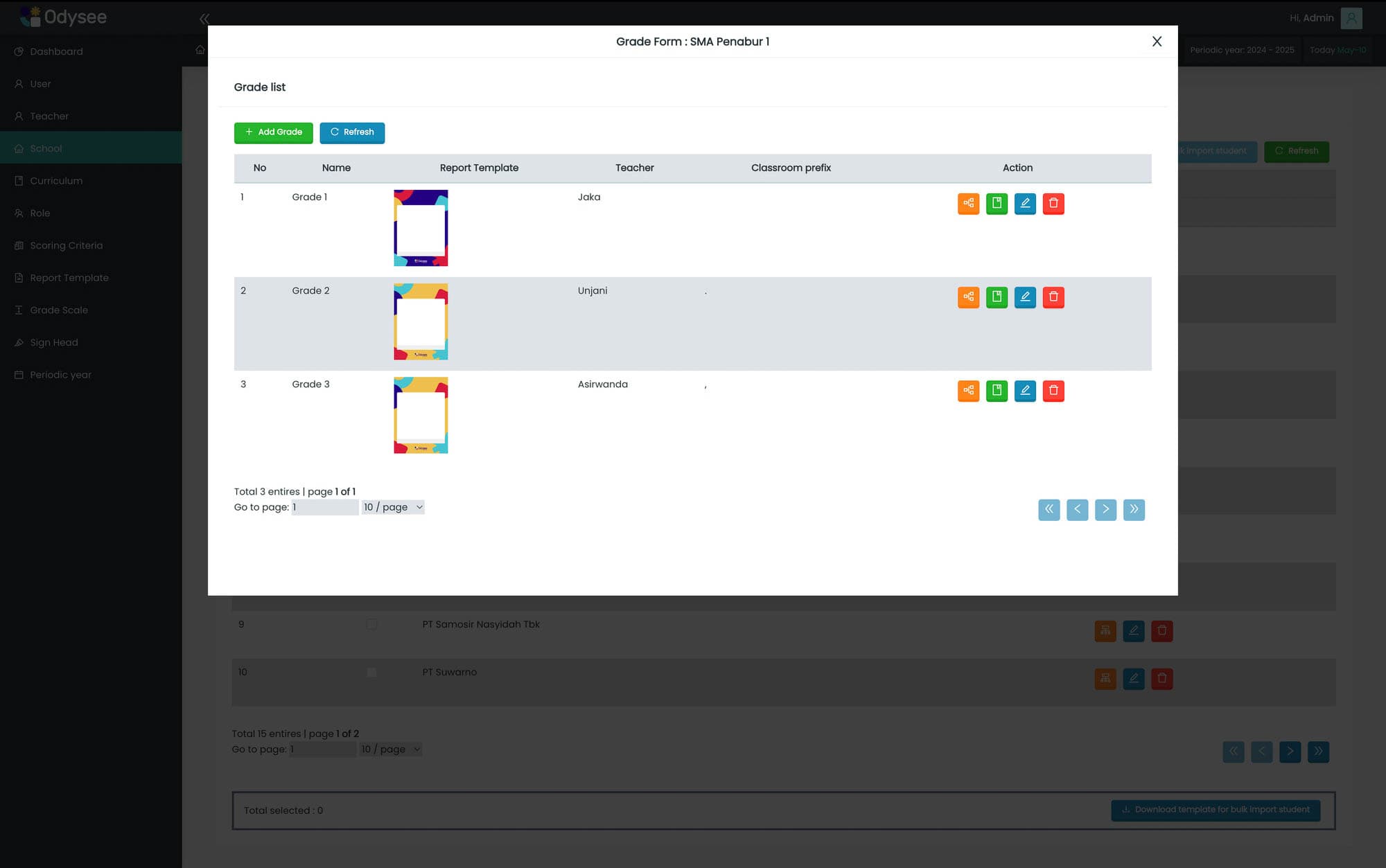
Report Template List for Odysee LMS System
The Report Template List provides an overview of all report templates available within the Odysee Learning Management System, offering administrators insights into reporting options.
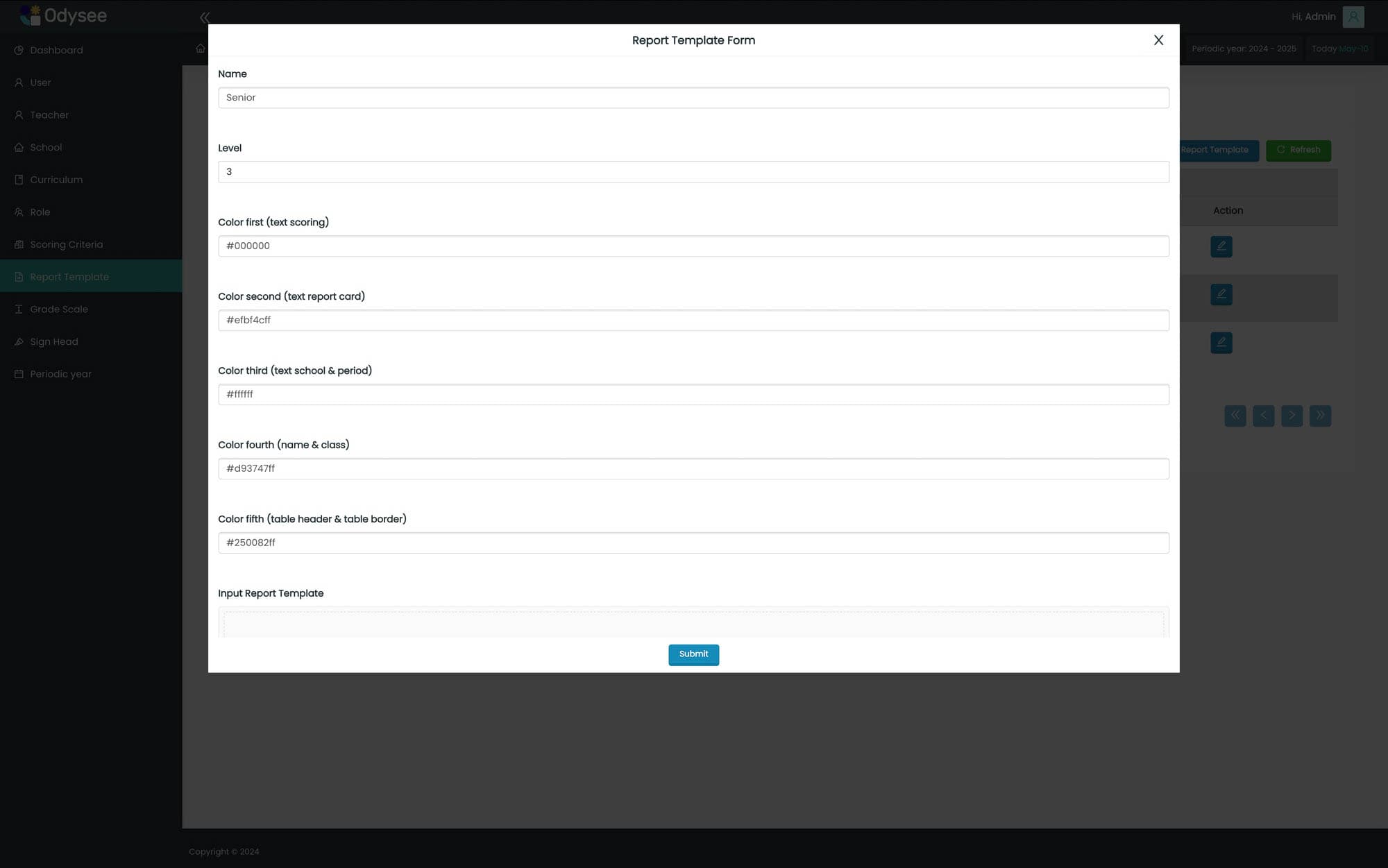
Report Template Setting for Odysee LMS System
The Report Template Setting form allows administrators to customize the appearance of reports, including font colors, to enhance the visual presentation of student data.
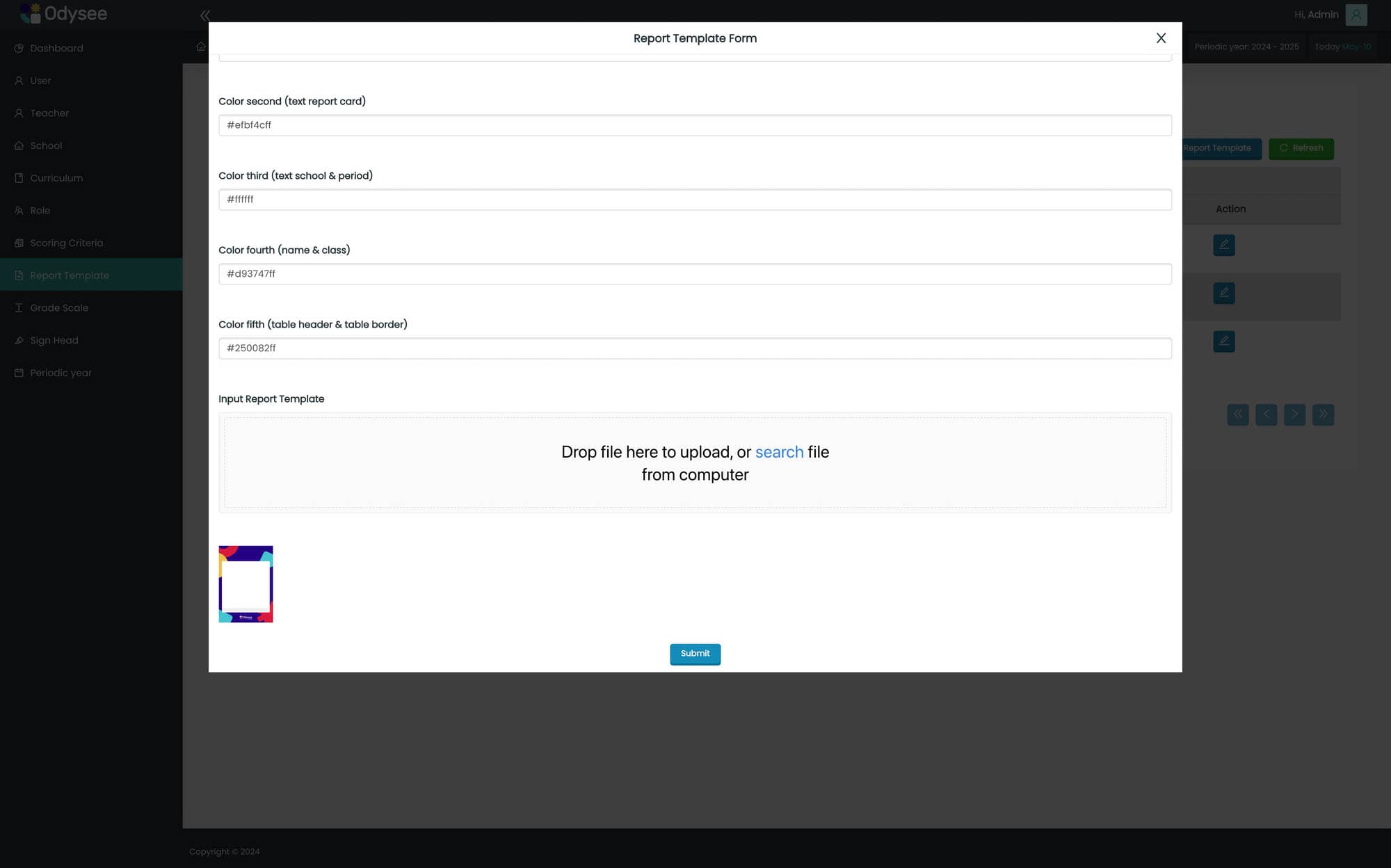
Report Template Setting (continued) for Odysee LMS System
The Report Template Setting form enables administrators to further customize report appearances, including font colors and the upload of basic templates in PDF format, enhancing the reporting capabilities of the system.
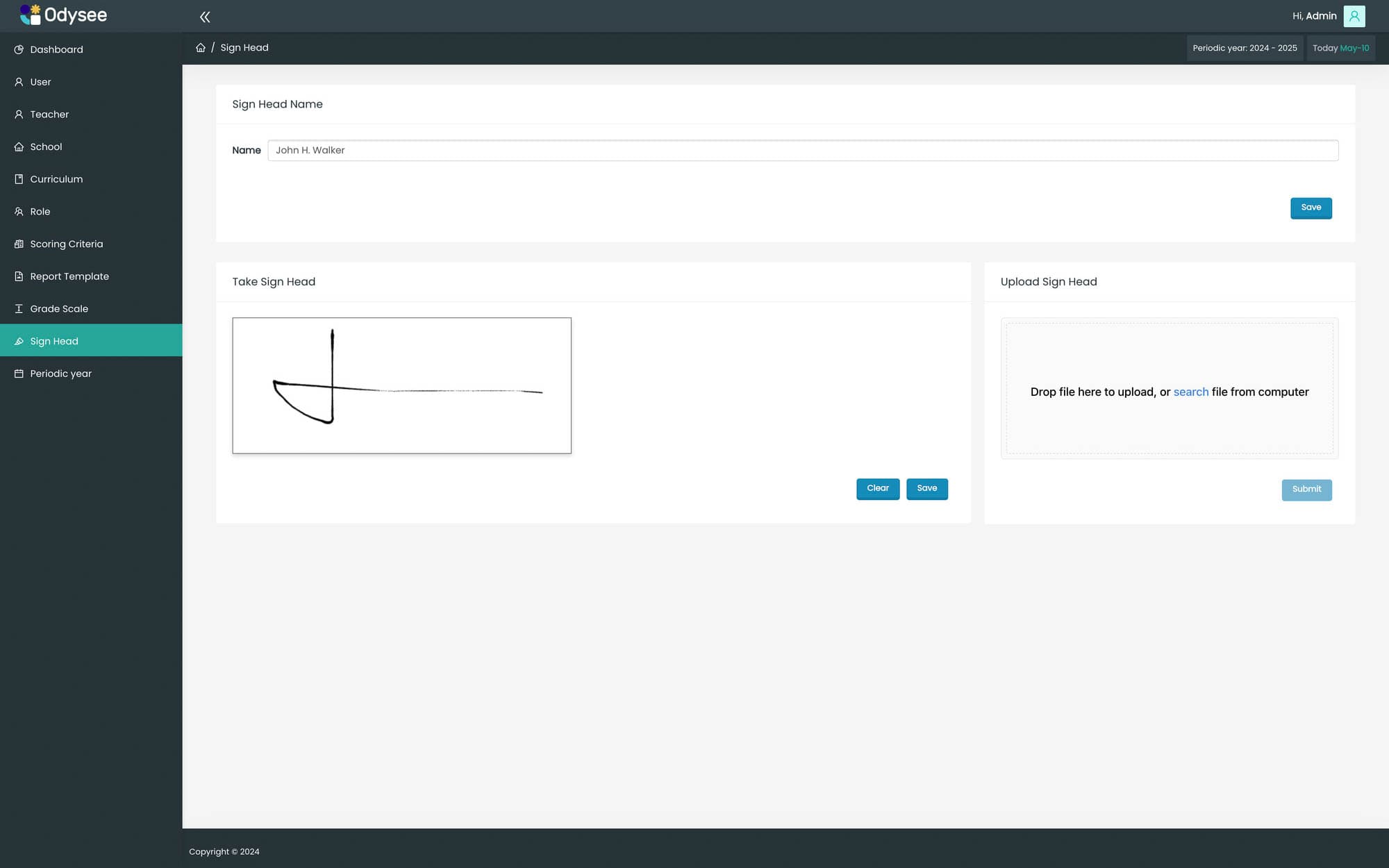
Signature Head Page for Odysee LMS System
The Signature Head Page provides a platform for attaching the signature head of Odysee to student reports, adding a personalized touch to academic documentation.